Arxiv

Code
Primitive-based splatting methods like 3D Gaussian Splatting (3DGS) have revolutionized novel view synthesis with real-time rendering. However, their point-based representations remain incompatible with mesh-based pipelines that power AR/VR and game engines. We present MeshSplatting, a mesh-based reconstruction approach that jointly optimizes geometry and appearance through differentiable rendering. By enforcing connectivity via restricted Delaunay triangulation and refining surface consistency, MeshSplatting creates end-to-end smooth, visually high-quality meshes that render efficiently in real-time 3D engines. On Mip-NeRF360, it boosts PSNR by +0.69 dB over the current state-of-the-art MiLo for mesh-based novel view synthesis, while training 2× faster and using 2× less memory, bridging neural rendering and interactive 3D graphics for seamless real-time scene interaction.
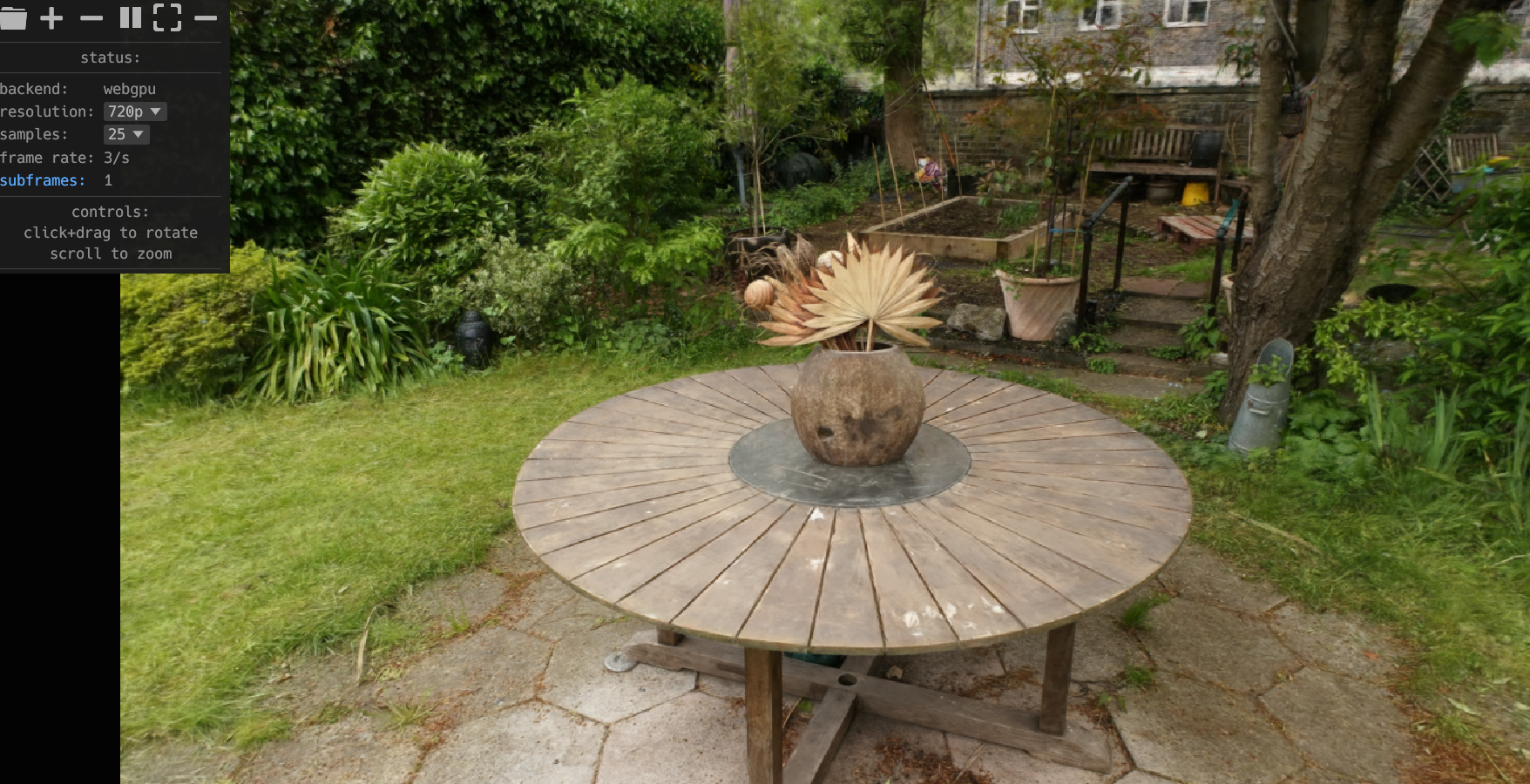
We will provide a browser-based real-time viewer soon.
Stage 1: We initialize semi-transparent triangles and scale them based on local density. We optimize a semi-transparent triangle soup without shared vertices, leading to disconnected triangles.
Stage 2: This operation first computes a standard Delaunay tetrahedralization, and then identifies tetrahedral faces whose dual Voronoi edges intersect the surface of the input triangle soup. The restricted Delaunay triangulation generates a mesh that approximates the surface, while maintaining Delaunay properties locally restricted to it. Applying restricted Delaunay triangulation restores global connectivity but introduces geometric artifacts and a loss of visual quality, as vertex colors no longer accurately align with the underlying geometry. The final fine-tuning stage refines the connected mesh, converges towards opaque triangles, producing smooth surfaces, accurate geometry, and restoring the visual fidelity lost during triangulation.
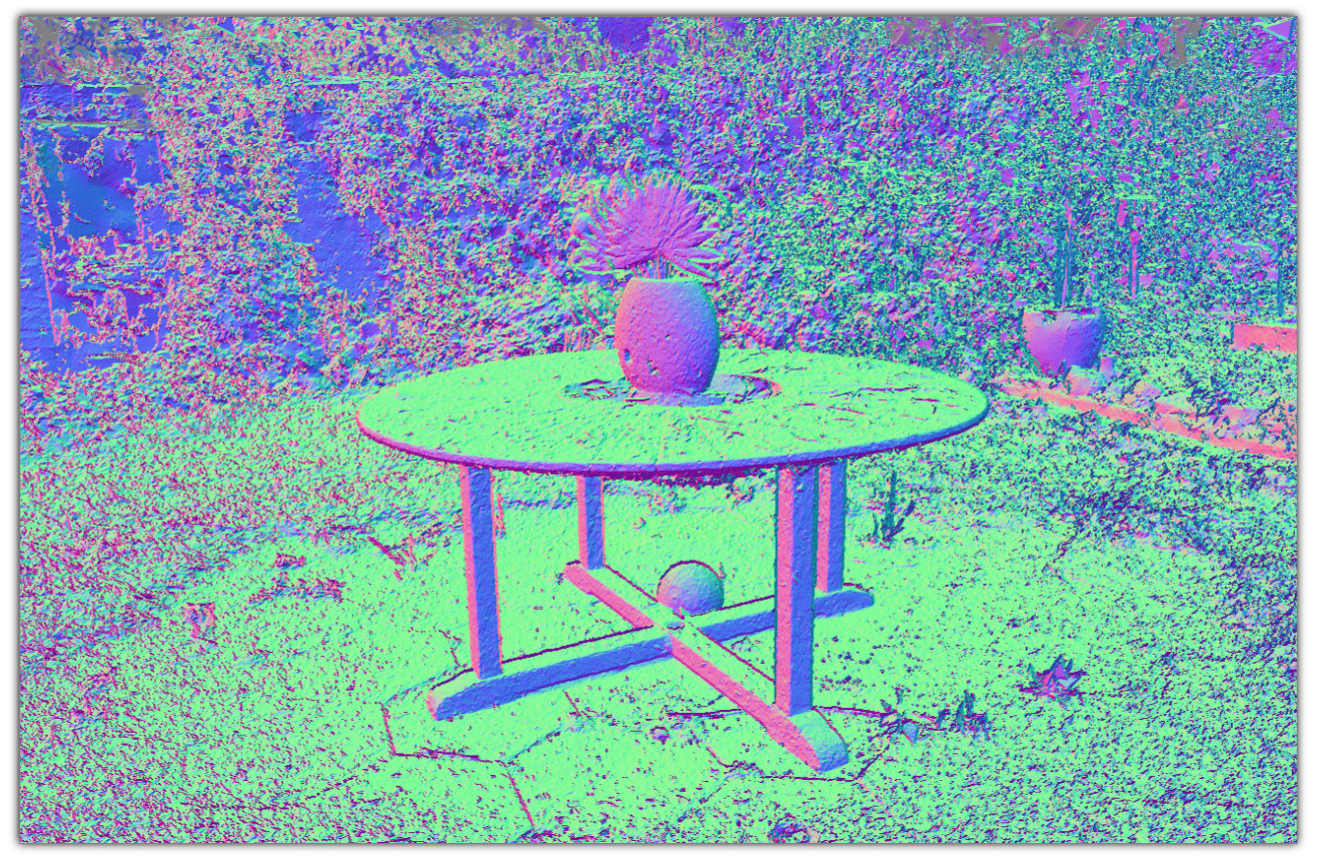 Before restricted Delaunay triangulation
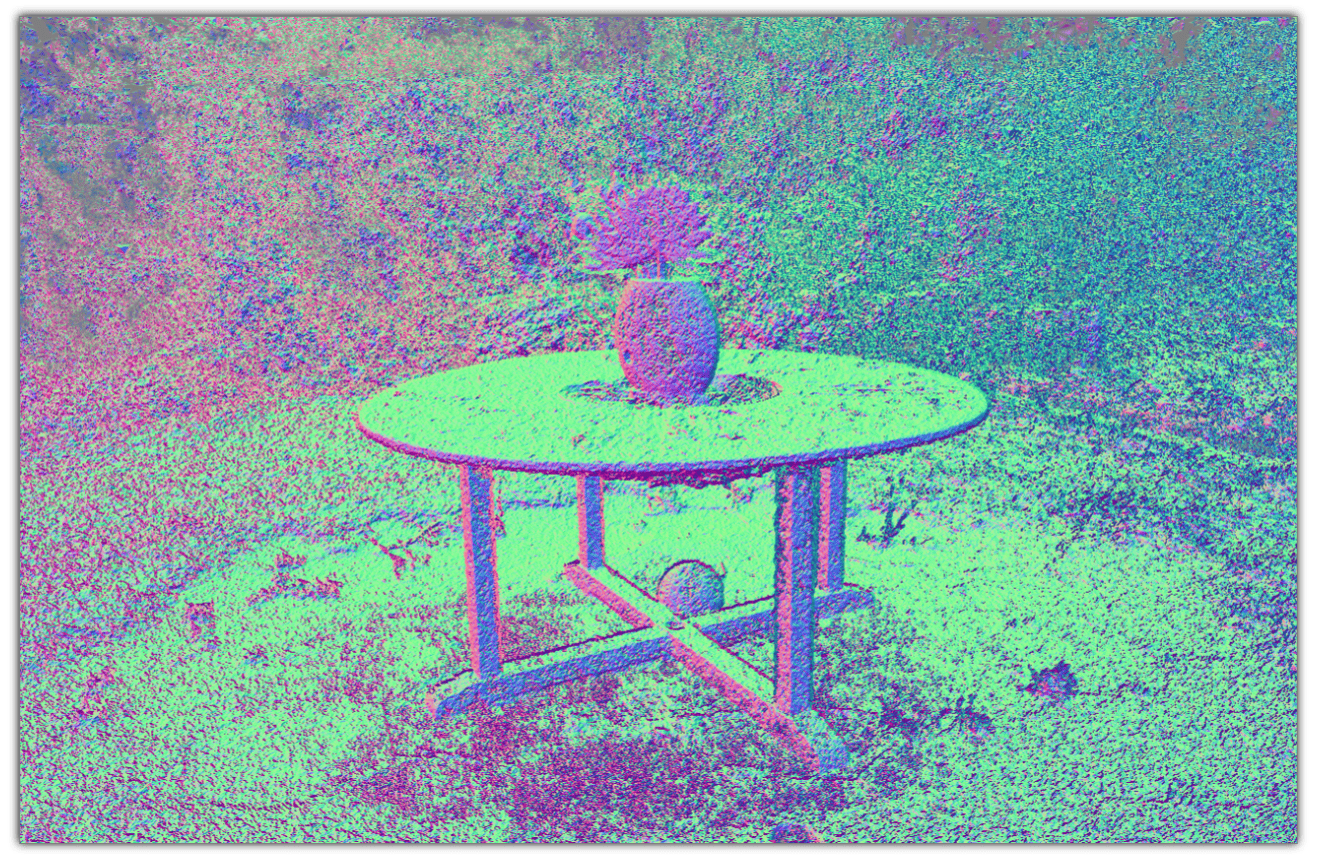 After restricted Delaunay triangulation
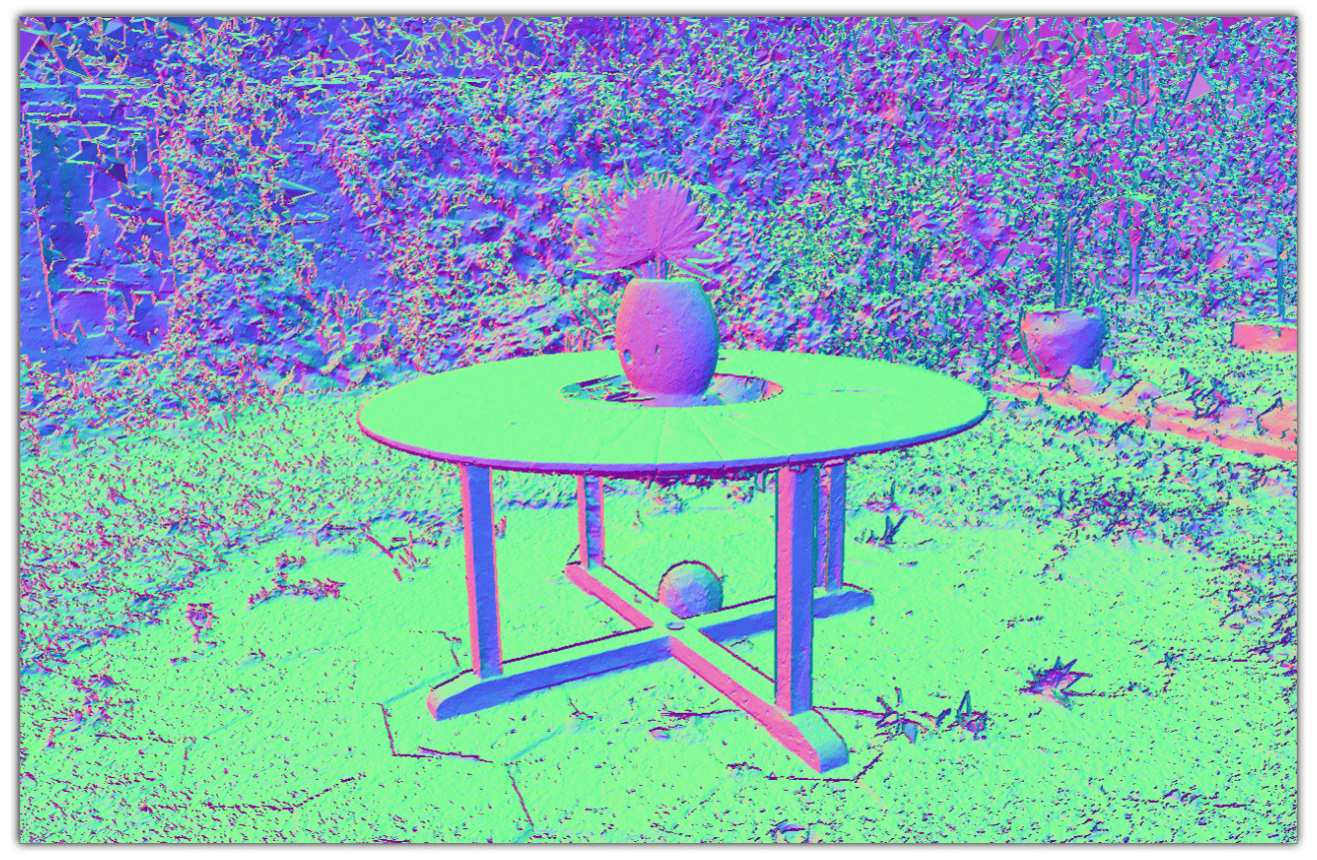 At the end of training
Stage 2 refines the connected mesh, producing smoother surfaces at the end of training while preserving high visual quality using only opaque triangles. The normal maps illustrate the mesh at three key stages of the training process.


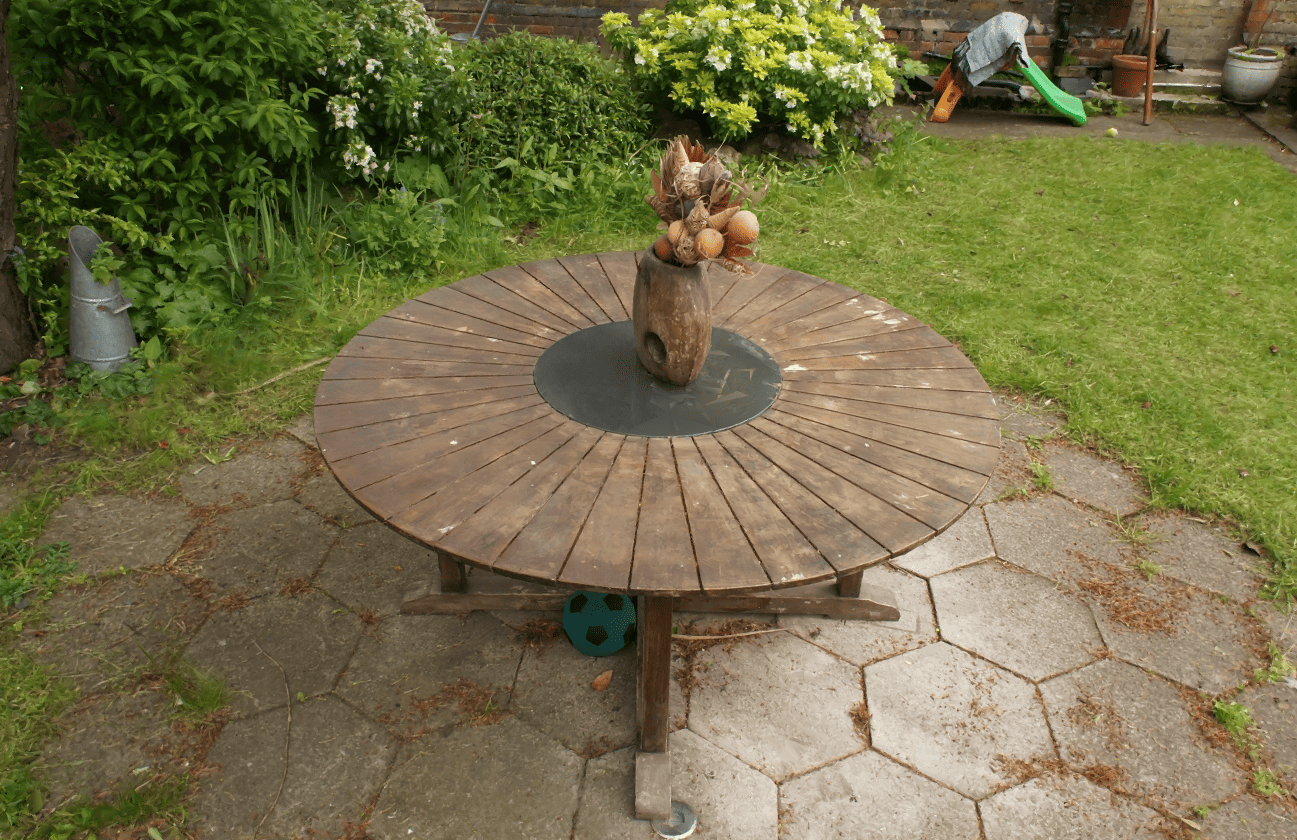
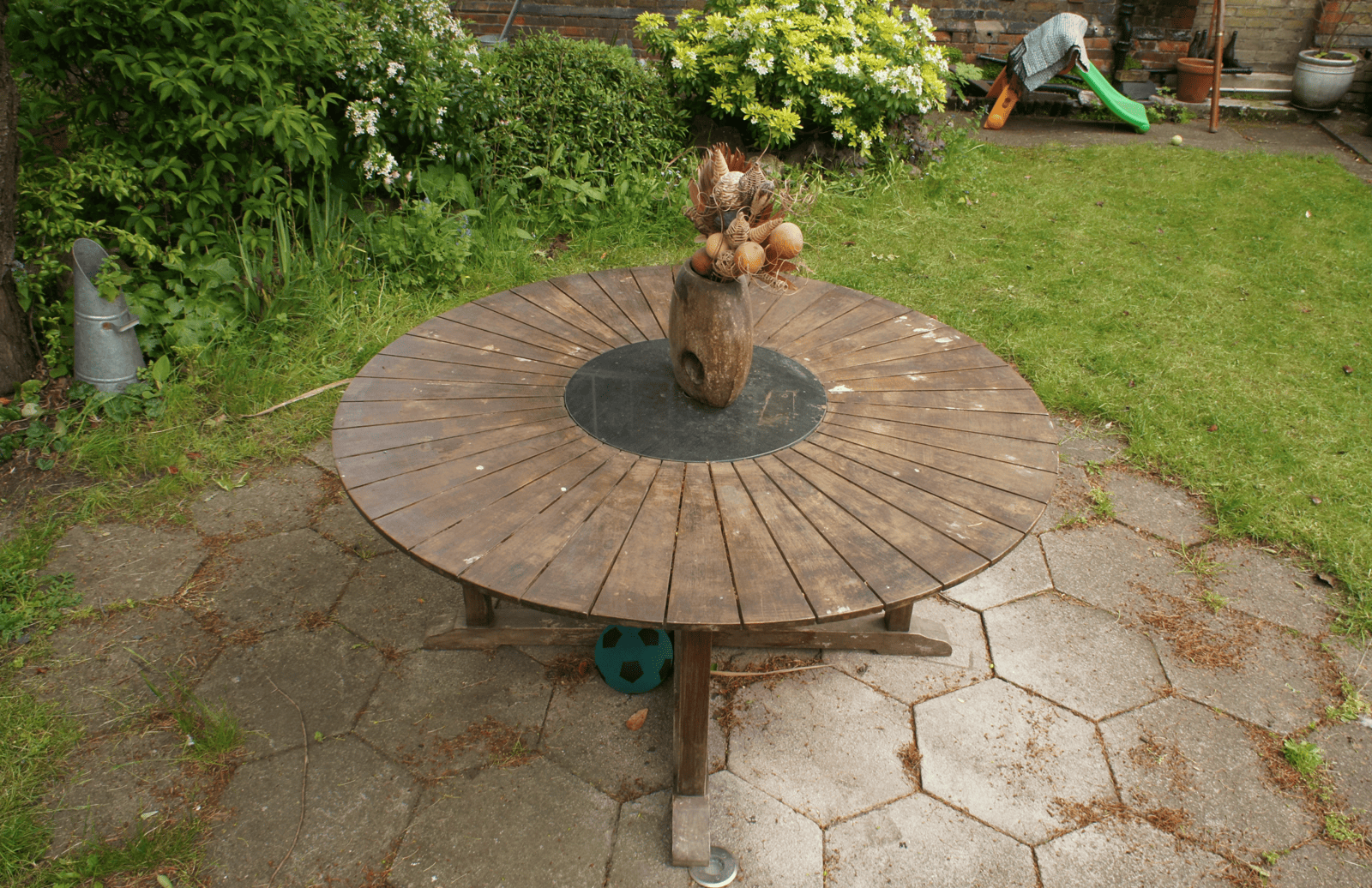
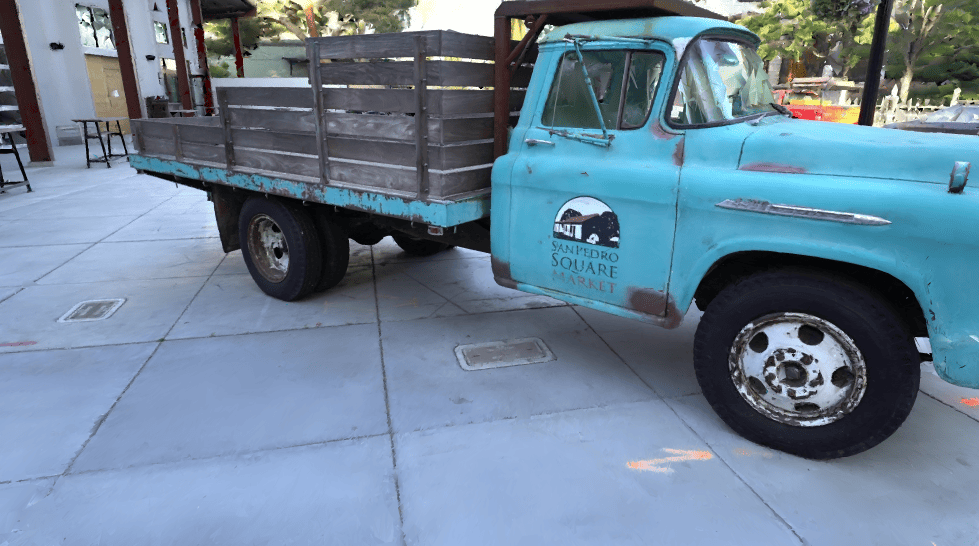
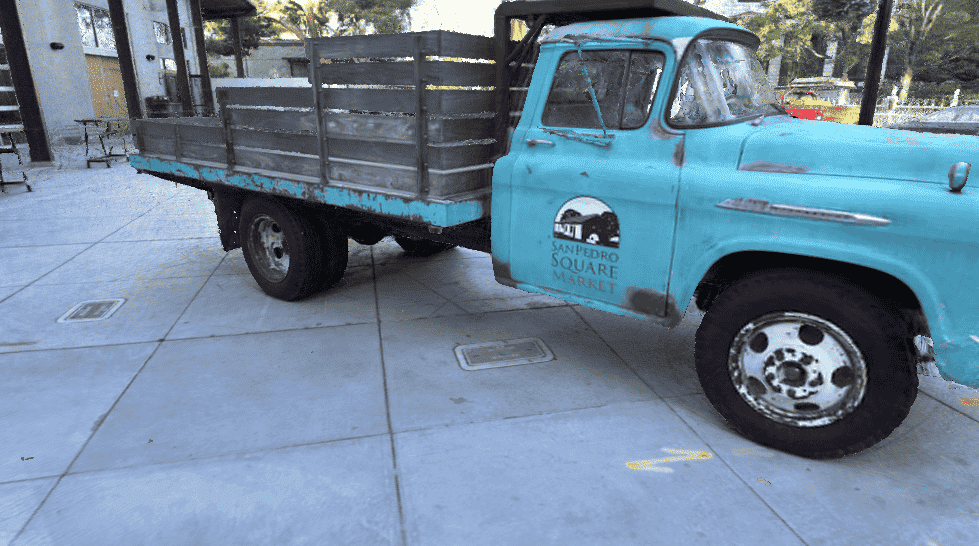
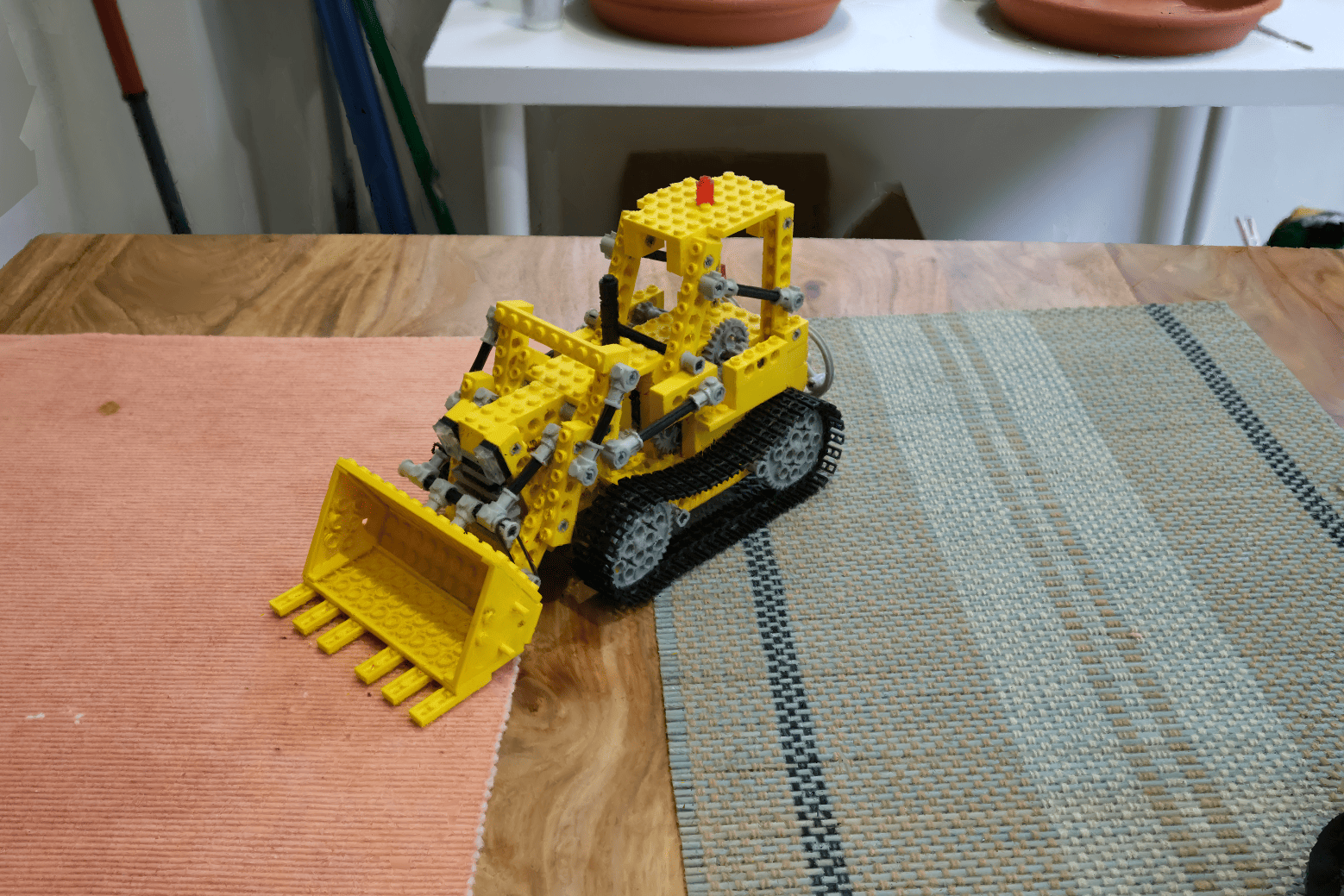
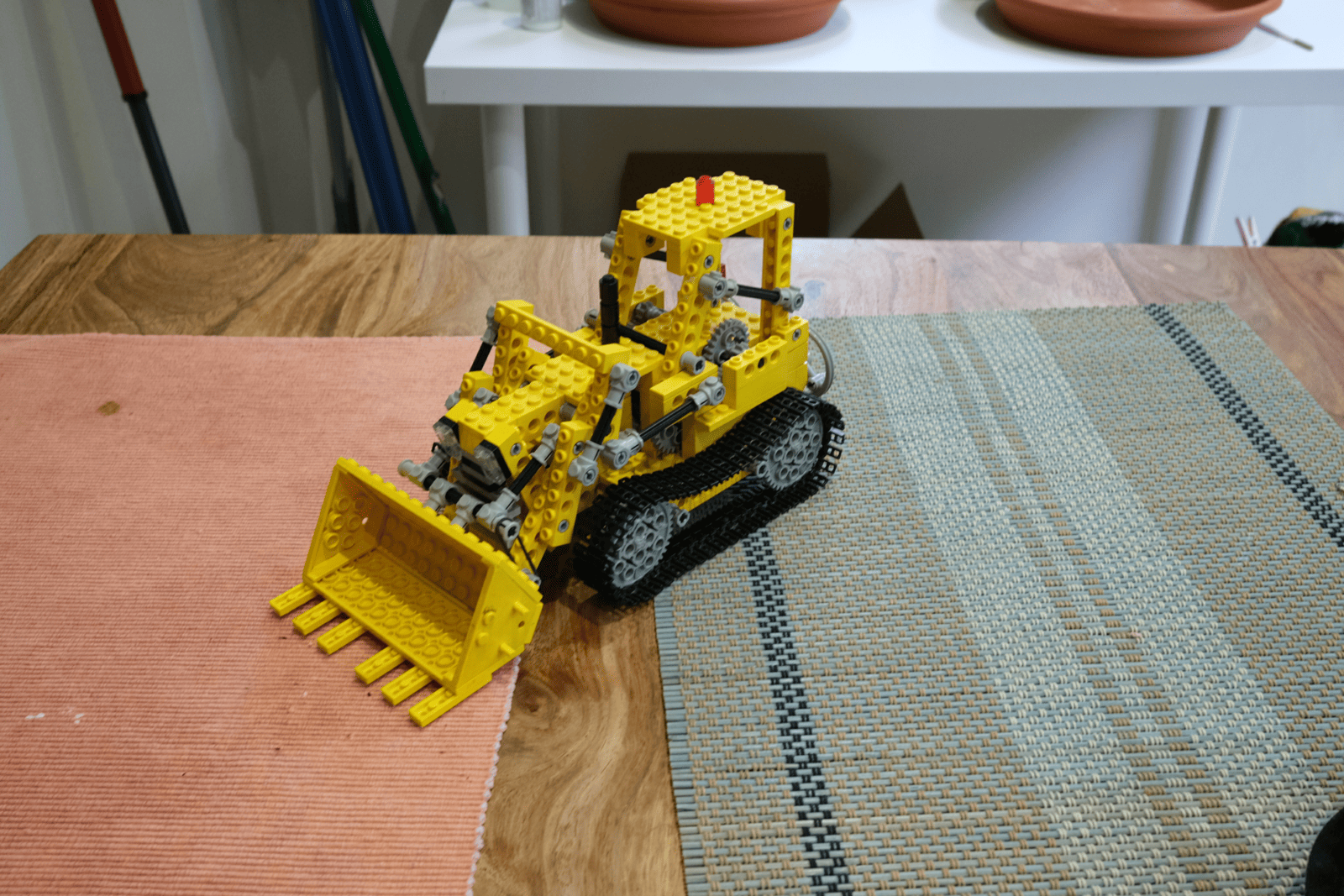
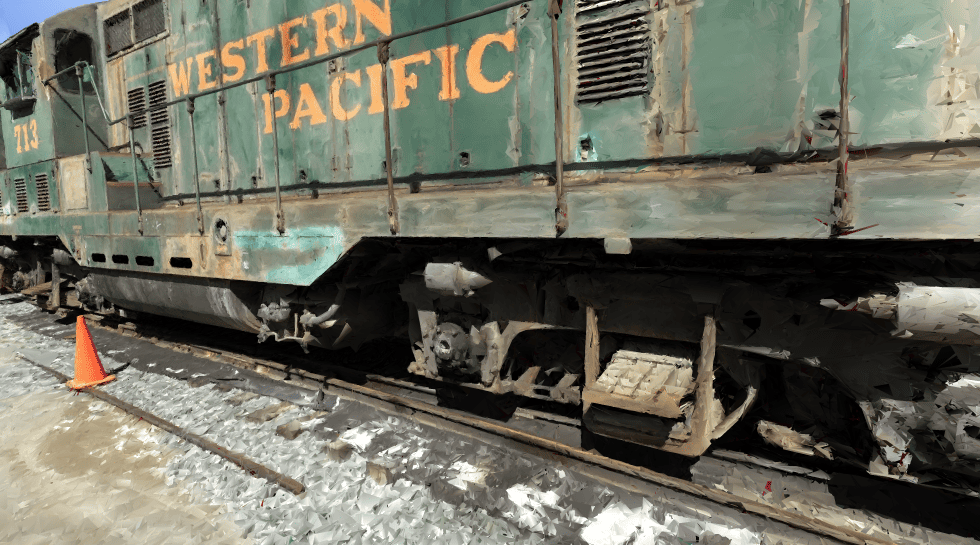
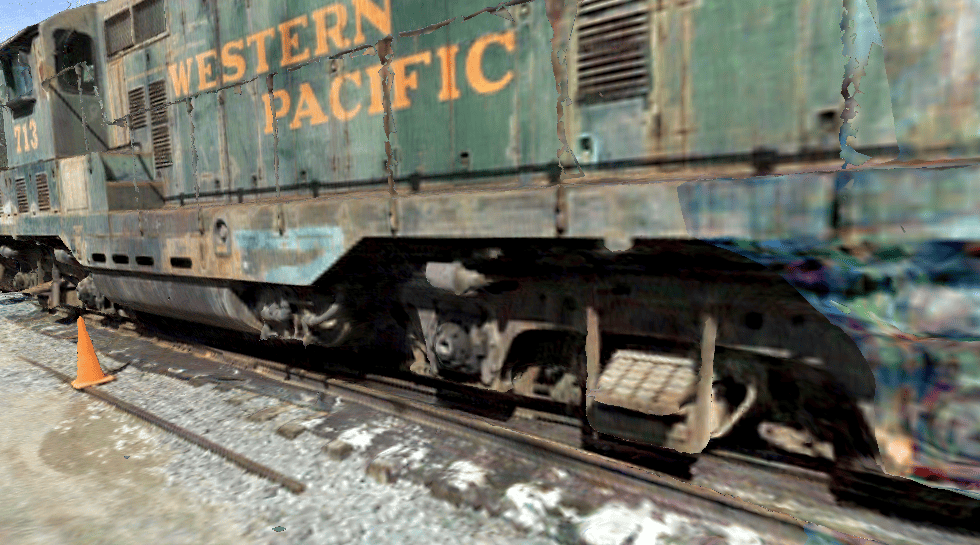
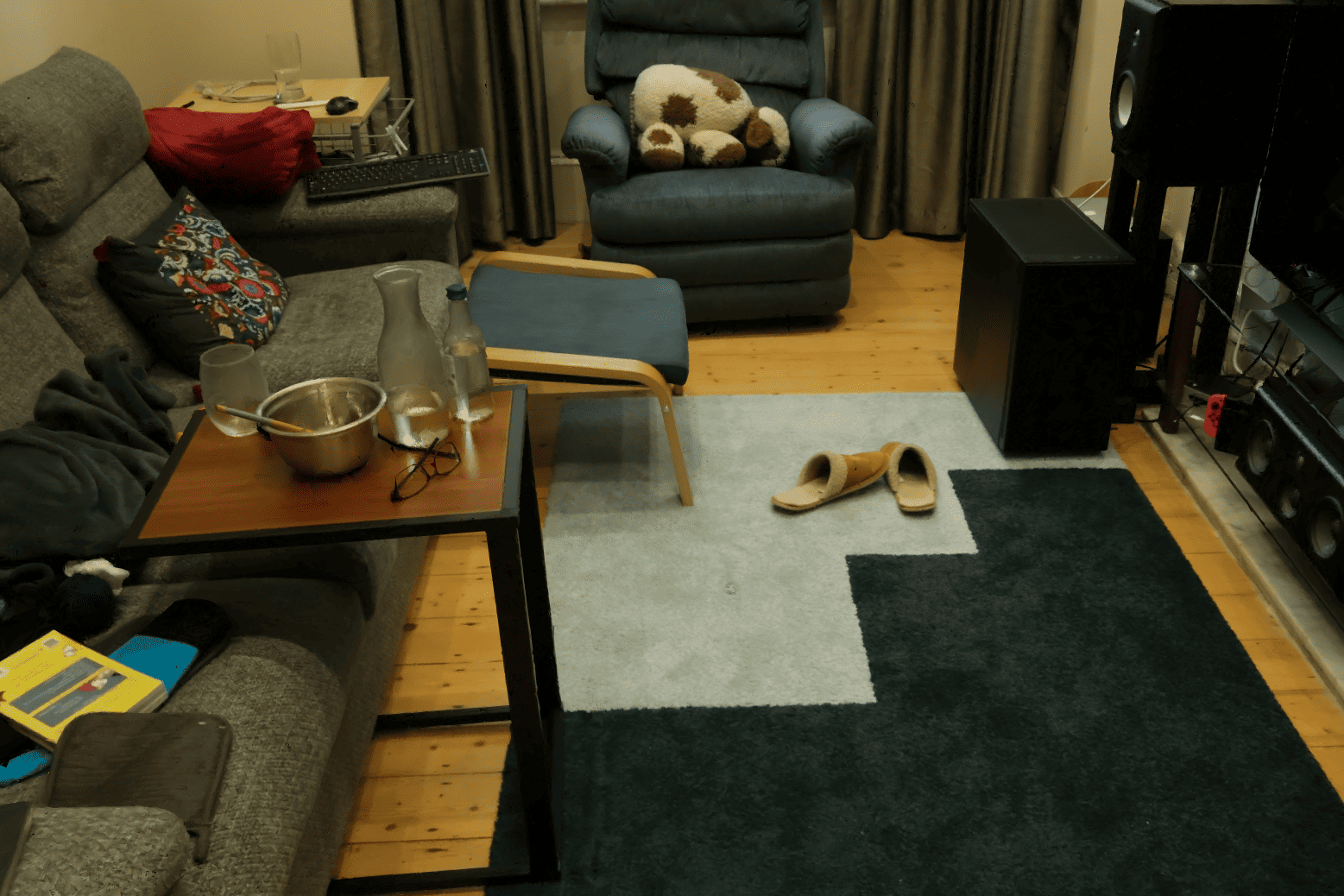
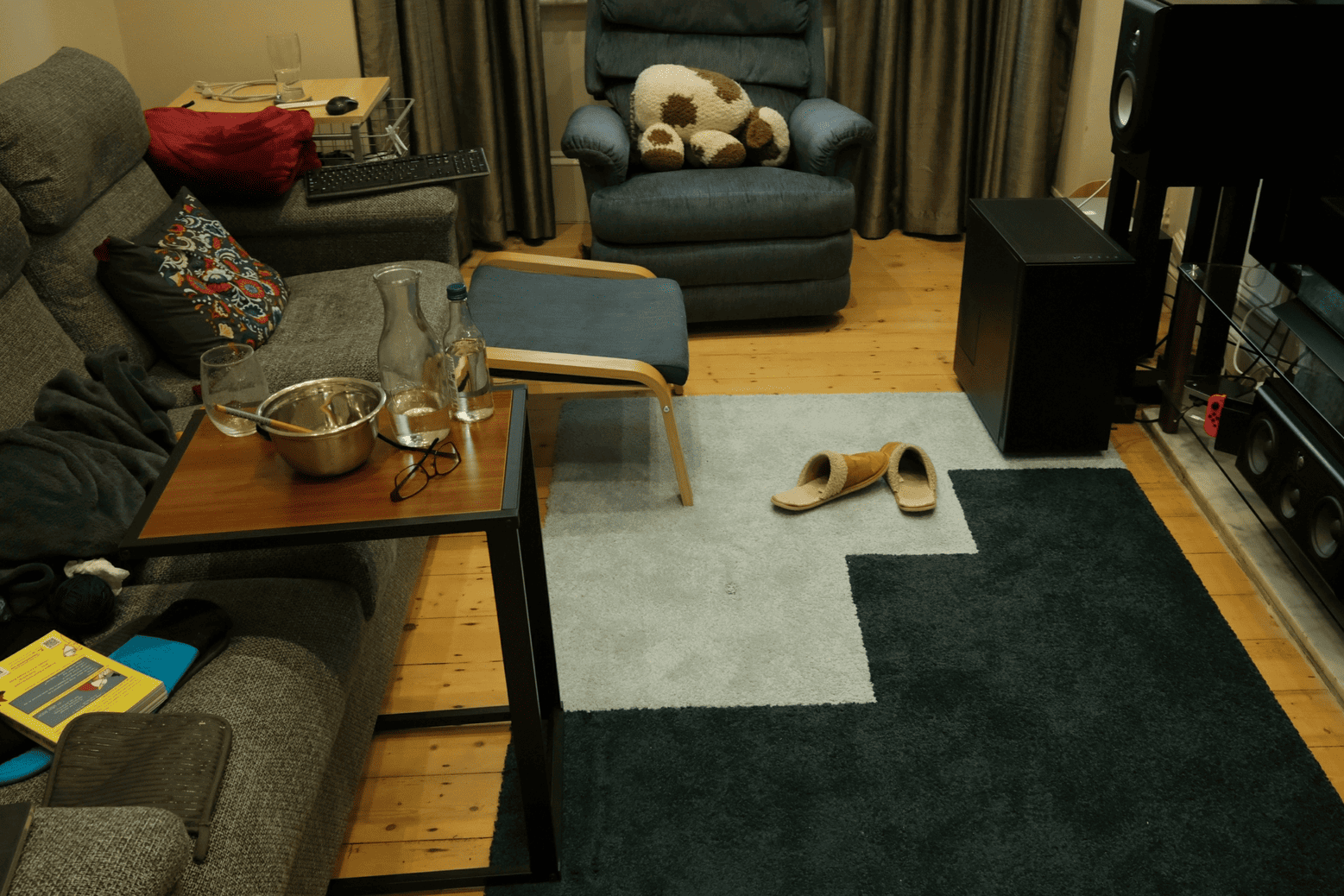
MeshSplatting produces renderings that are closer to the ground truth, with sharper details and finer structures (see the Bicycle spokes), and with fewer artifacts (see the table in the Truck scene).
MeshSplatting produces high-quality meshes that can be directly imported into standard graphics engines for various downstream applications. The first two videos were rendered in Unity, while the othe two videos rendered in Blender.
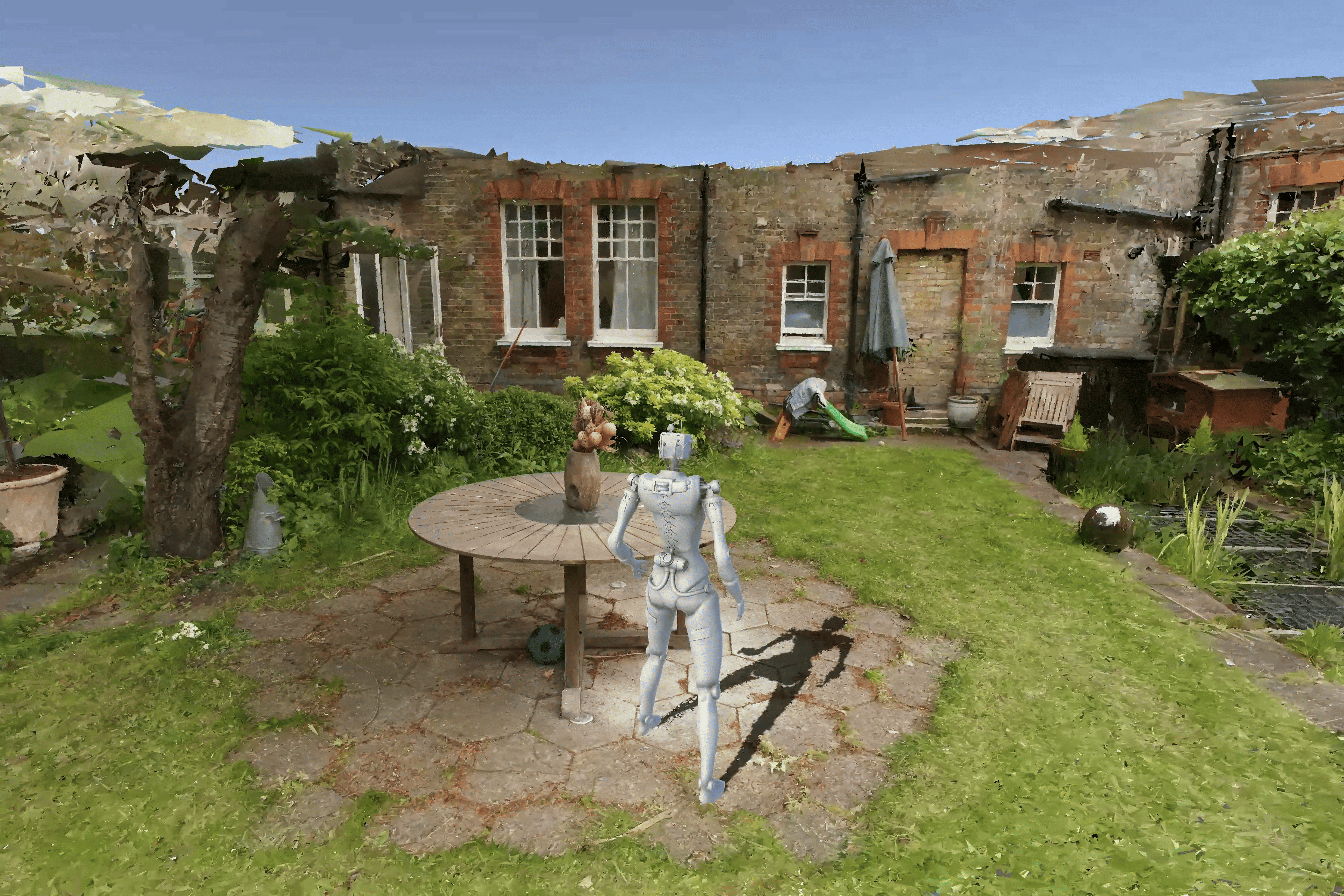
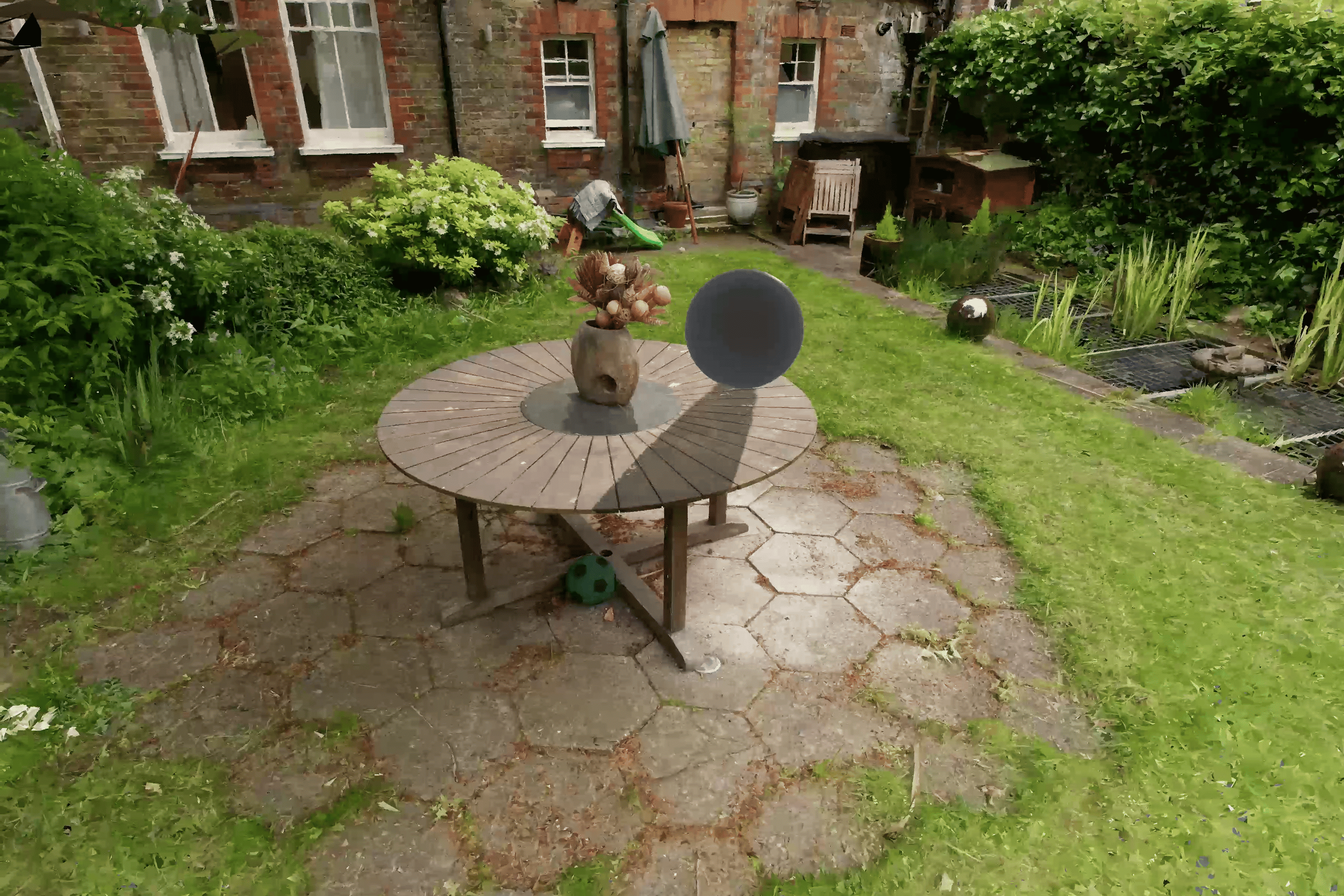
If you want to try out physics interactions or explore the environment with a character, you can download the Unity project from the link below: link. To achieve the highest visual quality, you should use 4× supersampling. Note that for simplicity and lower memory usage, we provide only RGB colors instead of SH colors per vertex, which results in a PSNR roughly two points lower.
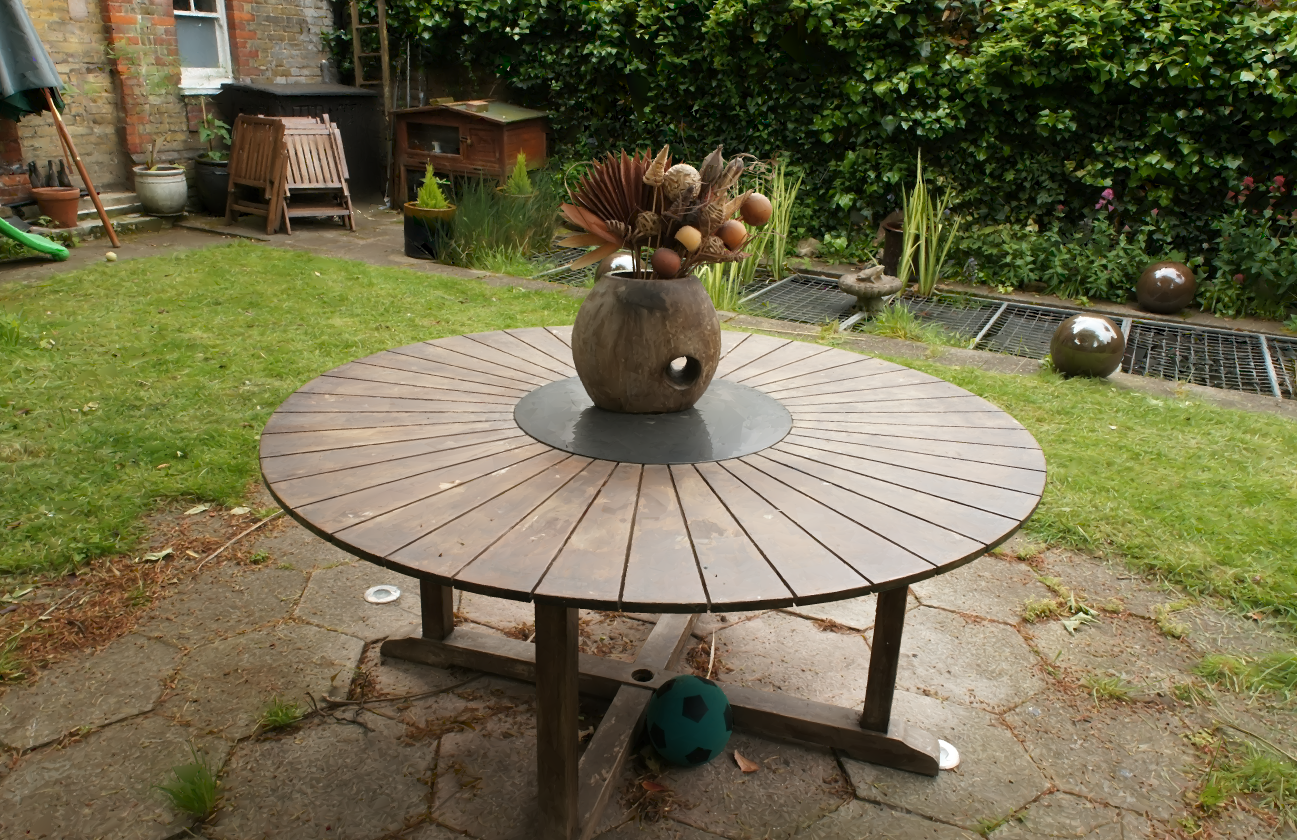
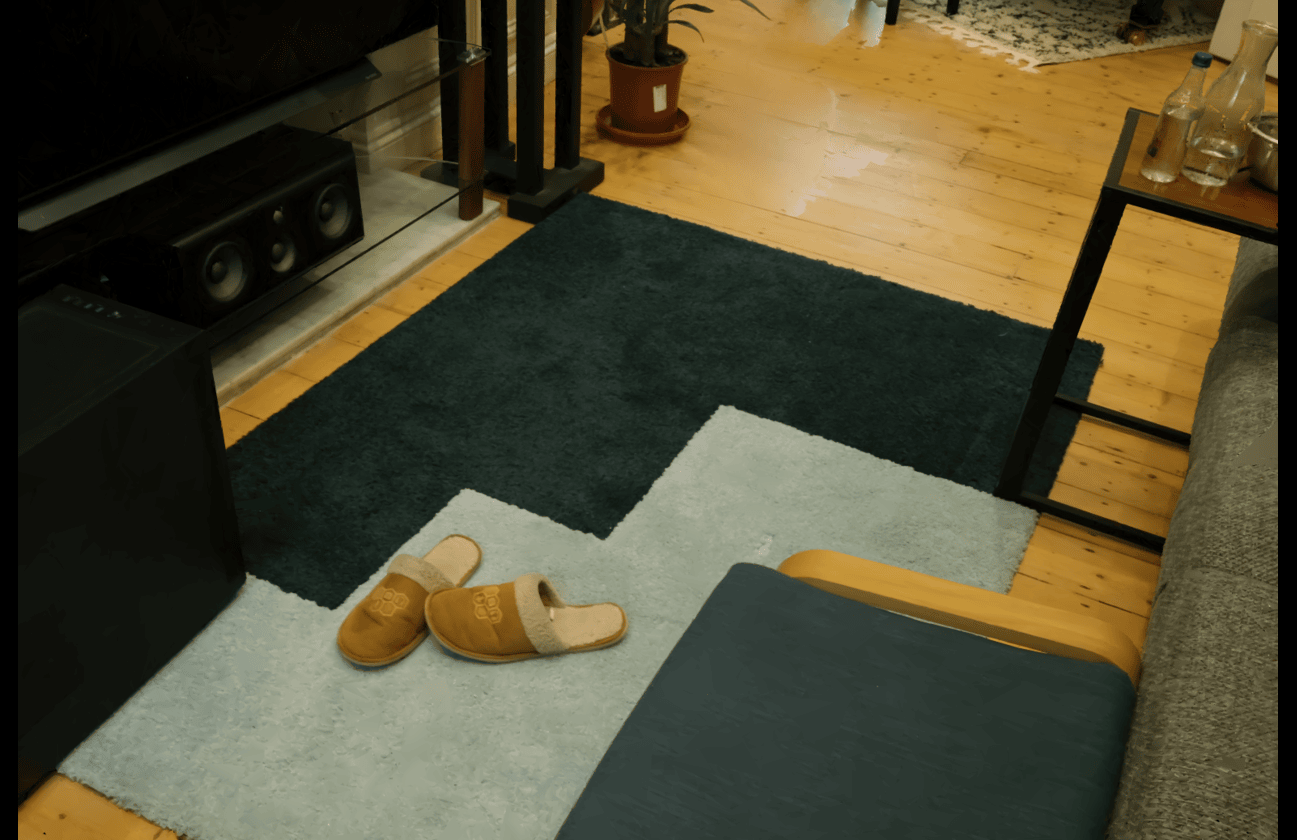
If you want to run some scene on a game engine for yourself, you can download the Garden and Room scenes from the following link. To achieve the highest visual quality, you should use 4× supersampling. Note that all PLY files store only RGB colors, which on average leads to a 2 dB drop in PSNR. For the highest visual quality, please refer to our viewer.
MeshSplatting enables straightforward object extraction. From left to right: generated RGB image of the table in Blender, estimated surface normals, and resulting mesh representation. All results were obtained in Blender.
Finally, we thank Bernhard Kerbl and George Kopanas for their helpful feedback and for proofreading the paper.
        @article{Held2025MeshSplatting,

          title = {MeshSplatting: Differentiable Rendering with Opaque Meshes},

          author = {Held, Jan and Son, Sanghyun and Vandeghen, Renaud and Rebain, Daniel and Gadelha, Matheus and Zhou, Yi and Cioppa, Anthony and Lin, Ming C. and Van Droogenbroeck, Marc and Tagliasacchi, Andrea},

          journal = {arXiv},

          year = {2025},

        }